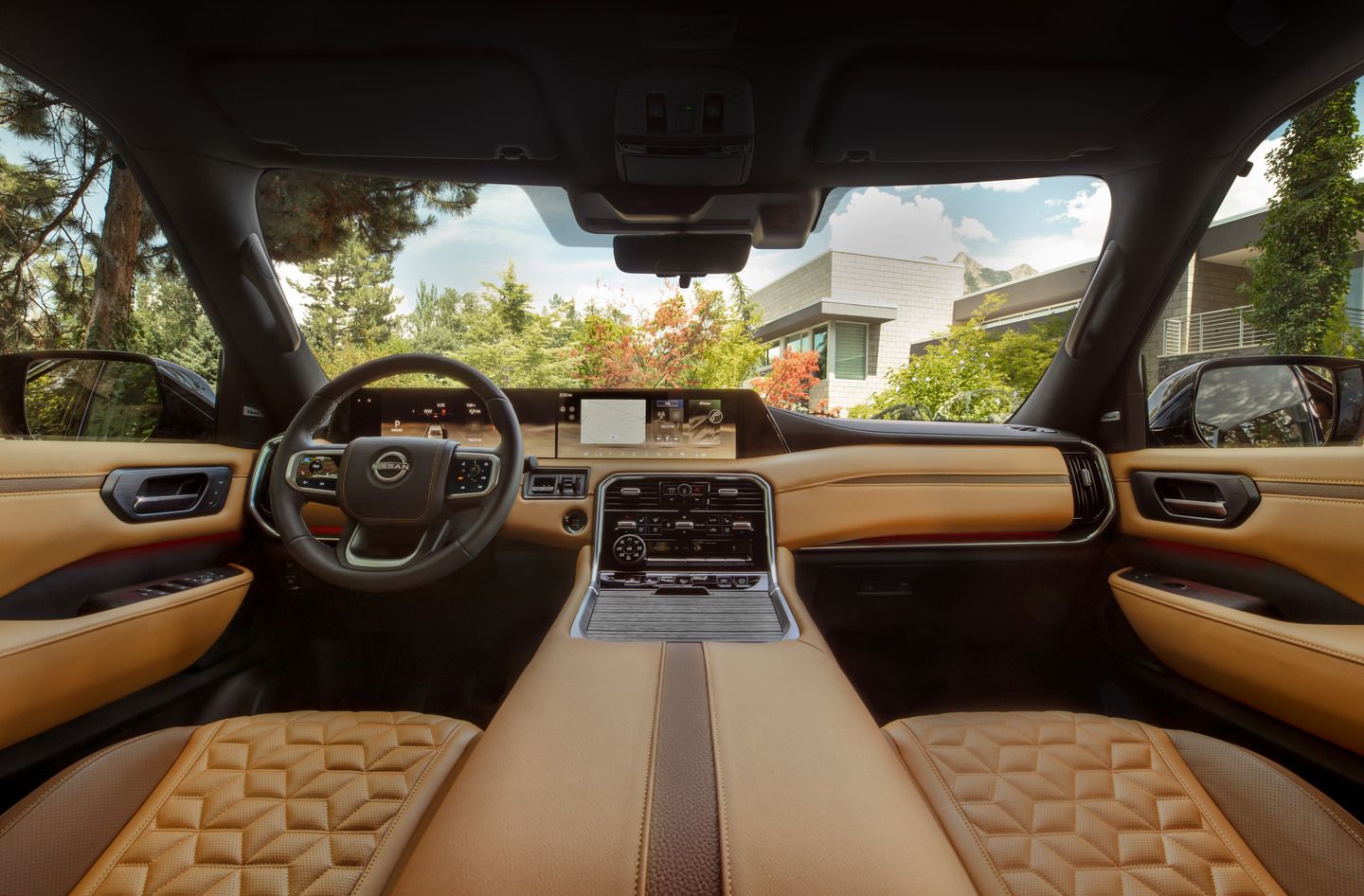
The holiday season brings joy, celebration, and unfortunately, congested roads. For drivers in Orangeville, Highway 10 becomes particularly busy during December, with shoppers heading to Toronto Premium Outlets and families travelling between communities. Nissan's Google built-in technology offers a practical solution: real-time traffic data that helps you avoid delays and find faster routes.
Available on select Nissan models including the Rogue SL and Platinum, Murano SL and Platinum, and Armada, Google built-in integrates Google Maps directly into your vehicle's dashboard. This means access to live traffic information, automatic rerouting around congestion, and voice-controlled navigation—all without needing to mount your phone or juggle multiple apps while driving.
How Google Built-in Helps During Busy Season
|
Feature
|
Benefit for Holiday Driving
|
|
Real-Time Traffic Data
|
Identifies congestion on Highway 10 and suggests alternate routes before you encounter delays
|
|
Voice Control
|
Hands-free operation lets you request route changes while keeping focus on winter driving conditions
|
|
Automatic Rerouting
|
System proactively finds faster paths when traffic incidents occur ahead
|
|
Integrated Experience
|
No phone mounting required—navigation appears on your vehicle's centre touchscreen
|
Understanding Google Maps Integration
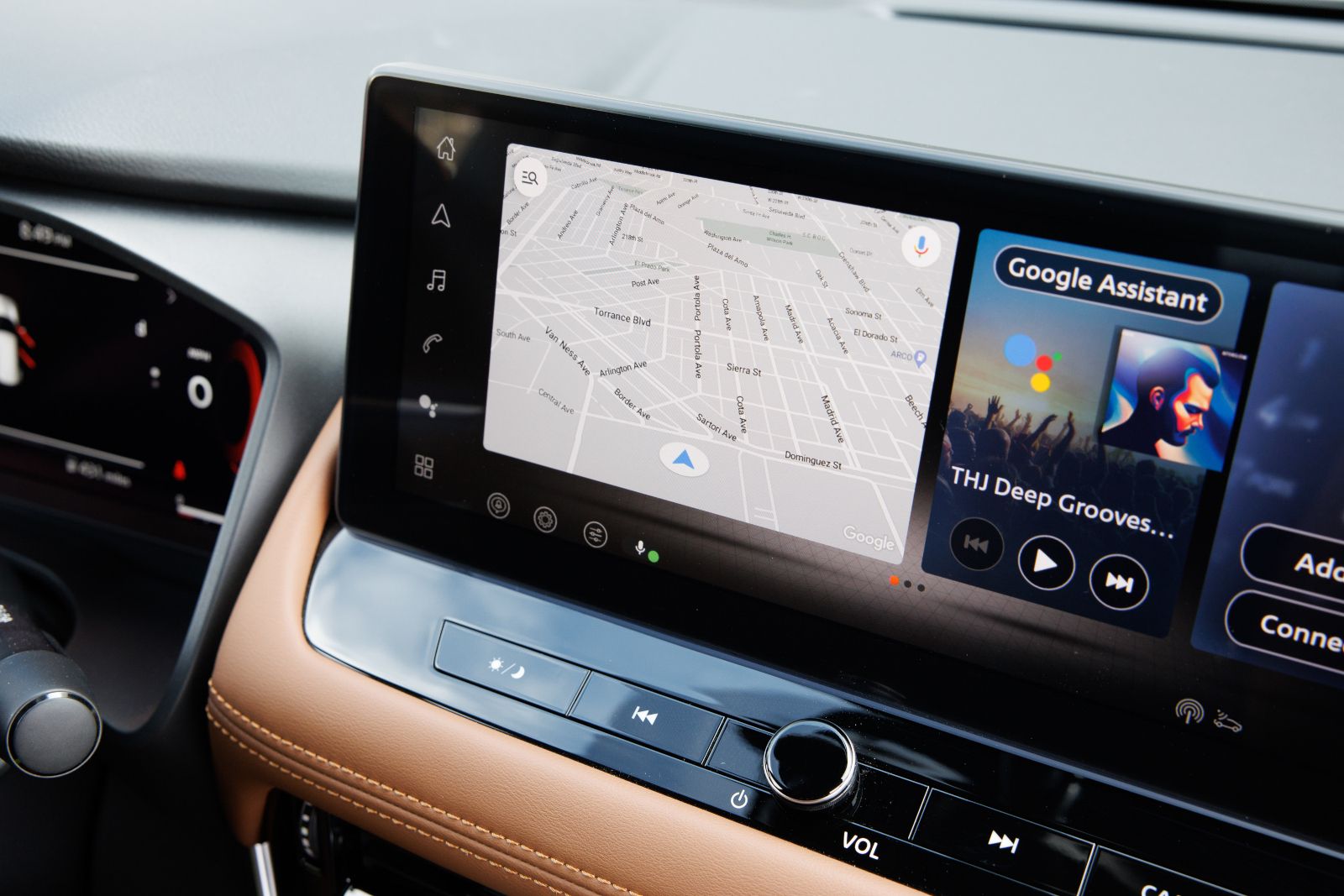
Google Maps in Nissan vehicles functions differently than the phone app you might be familiar with. The system is embedded directly into your vehicle's infotainment display, providing a larger, easier-to-read interface. On models like the Rogue and Murano, this appears on a 12.3-inch touchscreen that's positioned at an optimal viewing angle.
The integration requires an internet connection, which can be established through your vehicle's built-in connectivity or by connecting your smartphone's data. Once connected, Google Maps accesses the same real-time traffic database that powers the mobile app, including:
- Current traffic speeds on major routes
- Accident and construction alerts
- Road closure notifications
- Estimated delay times
- Alternative route suggestions
For Orangeville drivers, this means visibility into Highway 10 conditions before you depart, plus dynamic updates if traffic patterns change during your trip.
Voice Control for Safer Winter Navigation
December driving in Ontario demands full attention. Snow, ice, and reduced visibility make it risky to interact with navigation systems manually. Google Assistant integration addresses this by enabling complete voice control of your navigation.
Simply say "Hey Google" to activate the system, then give natural-language commands:
- "Navigate to Toronto Premium Outlets"
- "Find the fastest route home avoiding Highway 10"
- "Show me traffic on my route"
- "Find a gas station near me"
The system processes these requests and updates your route without requiring you to touch the screen. This hands-free operation is particularly valuable when road conditions require both hands on the wheel and constant visual attention ahead.
How Real-Time Rerouting Works
Google built-in doesn't just show you traffic—it actively manages your route to avoid it. When the system detects slower speeds ahead, it calculates whether an alternate path would save time. If a faster option exists, you'll receive a notification with the time savings and the option to accept the new route.
For Highway 10 traffic, this might mean:
- Routing through Mono or Caledon side roads when the highway is backed up
- Suggesting Highway 50 as an alternate north-south corridor
- Directing you through downtown Orangeville streets to bypass specific congestion points
- Timing your departure to avoid peak shopping hours based on historical traffic patterns
The system continuously monitors conditions throughout your drive, so if traffic clears or new incidents occur, your route adjusts accordingly.
Models with Google Built-in
Not all Nissan vehicles include Google built-in as standard equipment. The technology appears on higher trim levels that feature advanced infotainment systems:
2026 Nissan Rogue:
- Available on SL and Platinum grades
- Includes 12.3-inch touchscreen
- Wireless Apple CarPlay and Android Auto also included
- Wireless charging pad for device convenience
2025 Nissan Murano:
- Standard on SL and Platinum grades
- Dual 12.3-inch displays (instrument cluster and centre touchscreen)
- Bose 10-speaker audio system on these trims
- Wireless device charging
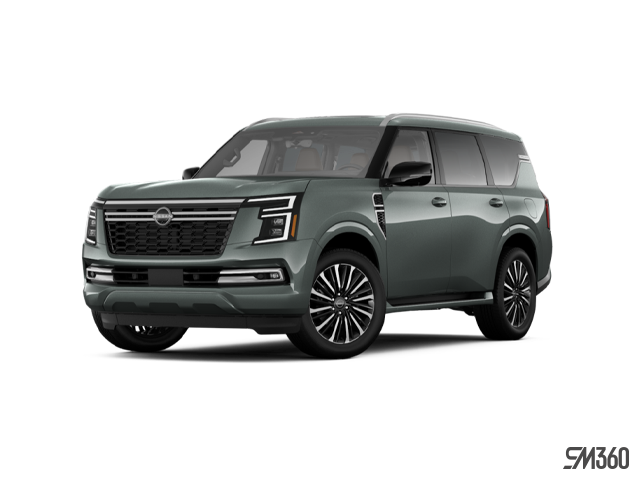
2026 Nissan Armada:
- Google built-in availability varies by trim
- Larger display accommodates detailed map views
- Suitable for family trips with multiple passengers needing route information
Base models of these vehicles typically feature Apple CarPlay and Android Auto through an 8-inch touchscreen, which provides smartphone-based navigation but not the integrated Google experience.
Comparing Navigation Options
|
Navigation Type
|
Google Built-in
|
Smartphone Mirroring
|
Built-in GPS
|
|
Real-Time Traffic
|
Yes, continuously updated
|
Yes, when phone connected
|
Limited or subscription-based
|
|
Voice Control
|
Google Assistant integrated
|
Siri or Google Assistant via phone
|
Vehicle-specific commands
|
|
Display Size
|
Full infotainment screen (12.3")
|
Full infotainment screen (8" or 12.3")
|
Full infotainment screen
|
|
Internet Required
|
Yes
|
Yes (phone data)
|
No
|
|
Automatic Updates
|
Yes
|
Yes
|
Requires manual map updates
|
Setting Up for Holiday Driving Success
To get the most benefit from Google built-in during the busy season, ensure your system is properly configured:
Before Your First Trip:
- Sign into your Google Account through the vehicle's settings menu
- Enable location sharing for accurate traffic data
- Test voice commands while parked to familiarize yourself with the system
- Verify your internet connection is active (check Wi-Fi or data settings)
For Regular Commutes:
- Save frequent destinations like work, shopping centres, or family homes
- Review typical traffic patterns for your routes during different times of day
- Enable traffic notifications so you receive alerts about your saved routes
During Active Navigation:
- Keep your Google Account signed in for personalized route suggestions
- Allow the system to access your contacts for voice-activated calling to destinations
- Monitor the estimated arrival time, which updates based on current traffic speeds
Which Nissan Model Fits Your Needs?
If avoiding holiday traffic is a priority, consider which Nissan model aligns with your driving requirements:
Choose Rogue if: You need compact dimensions for urban Orangeville driving, strong fuel economy for frequent trips, and available all-wheel drive for winter conditions. The Rogue SL or Platinum provides Google built-in plus ProPILOT Assist for highway driving support.
Choose Murano if: You want midsize comfort for longer trips to Toronto or cottage country, premium interior materials, and standard all-wheel drive. The SL and Platinum trims include Google built-in as standard equipment.
Choose Armada if: You require three-row seating for extended family, maximum cargo capacity for holiday shopping or travel, and strong towing capability. Google built-in availability depends on trim selection.
All three models offer the same core Google Maps functionality, so your decision should be based on size, capacity, and feature priorities rather than navigation capabilities alone.
Experience Google Built-in at Orangeville Nissan
Holiday traffic doesn't have to mean holiday stress. Google built-in in select Nissan models gives drivers in Orangeville the tools to navigate congestion on Highway 10 and throughout the region with real-time data and intelligent routing. No matter if you're commuting to work, shopping for gifts, or visiting family across Ontario, having accurate traffic information integrated into your vehicle helps you arrive on time and with less frustration.
Visit Orangeville Nissan to experience Google built-in technology firsthand. Our team can demonstrate how Google Maps, Google Assistant, and real-time traffic data work together in the Rogue, Murano, or Armada, and help you determine which model and trim level best suits your driving needs this season.